
UI and UX Design for Smooth User Experience Solutions
Creating Smooth Experiences: Intersection of UI and UX Design
Authored by
Mr. Ravi
Date Released
08 May, 2025
Introduction
Today, customers seek ease, speed, and pleasure from websites and applications. If something looks great but feels confusing, people leave it. When a thing works fine but looks outdated, users lose interest. Here is where UI and UX design go together.
The merging of User Interface and User Experience design helps to drive seamless user experiences. A user stays longer, develops trust in the brand, and takes some action when things are working in harmony.
In this blog, we will explain how UI and UX design work together, common problems businesses face, and how smart design solutions create seamless digital experiences.
Understanding UI and UX Design
What Is UI Design?
UI design focuses on the visual side of a digital product. It includes:
- Buttons and icons
- Colors and typography
- Layout and spacing
- Visual consistency
UI design answers the question: “How does the product look?”
What Is UX Design?
UX design focuses on the overall experience of the user. It includes:
- User journey and navigation
- Ease of use
- Interaction flow
- Accessibility and usability
UI design answers the question: “How does the product feel and work?”
The Real Intersection of UI and UX Design
UI and UX are not separate. They work together to create smooth, intuitive experiences.
- UX plans the journey
- UI brings the journey to life
- UX removes friction
- UI adds clarity and attraction
When the UI supports UX, users don’t have to think. Everything feels natural
Common Problems Without Proper UI and UX Design
1. Smooth User Flow
UX design maps user behavior, while UI design guides users visually.
Example: Clear menus + visible buttons = easy navigation
2. Intuitive Interface Design
Good UI design supports UX decisions, making interfaces easy to understand.
Solution: Simple layouts, readable fonts, and logical spacing.
3. Reduced User Friction
UX removes unnecessary steps, UI highlights the right actions.
Result: Faster decisions and better engagement.
4. Better Accessibility
UI UX design ensures all users can interact comfortably.
Includes: Responsive design, readable text, and easy interactions.
Importance of UI UX Design for Businesses
Improved User Satisfaction
Happy users stay longer and return.
Higher Conversion Rates
Smooth experiences lead to more sign-ups and sales.
Strong Brand Trust
Professional UI UX design builds credibility.
Competitive Advantage
A seamless experience sets you apart from competitors.
UI and UX Design for Different Platforms
UI UX Design for Websites
- Clear navigation
- Fast loading experience
- Strong call-to-action placement
UI UX Design for Mobile Apps
- Thumb-friendly buttons
- Minimal content
- Smooth transitions
UI UX Design for E-commerce
- Easy checkout process
- Product clarity
- Trust signals and reviews
Key Principles for Creating Smooth Experiences
1. User-Centered Design Approach
Always design for the user, not assumptions.
2. Consistency in UI Elements
Same colors, buttons, and fonts build familiarity.
3. Simple and Clean Layouts
Less clutter means better understanding.
4. Clear Feedback
Users should know what happens after every action.
5. Continuous Testing
UX testing helps improve real user experiences.
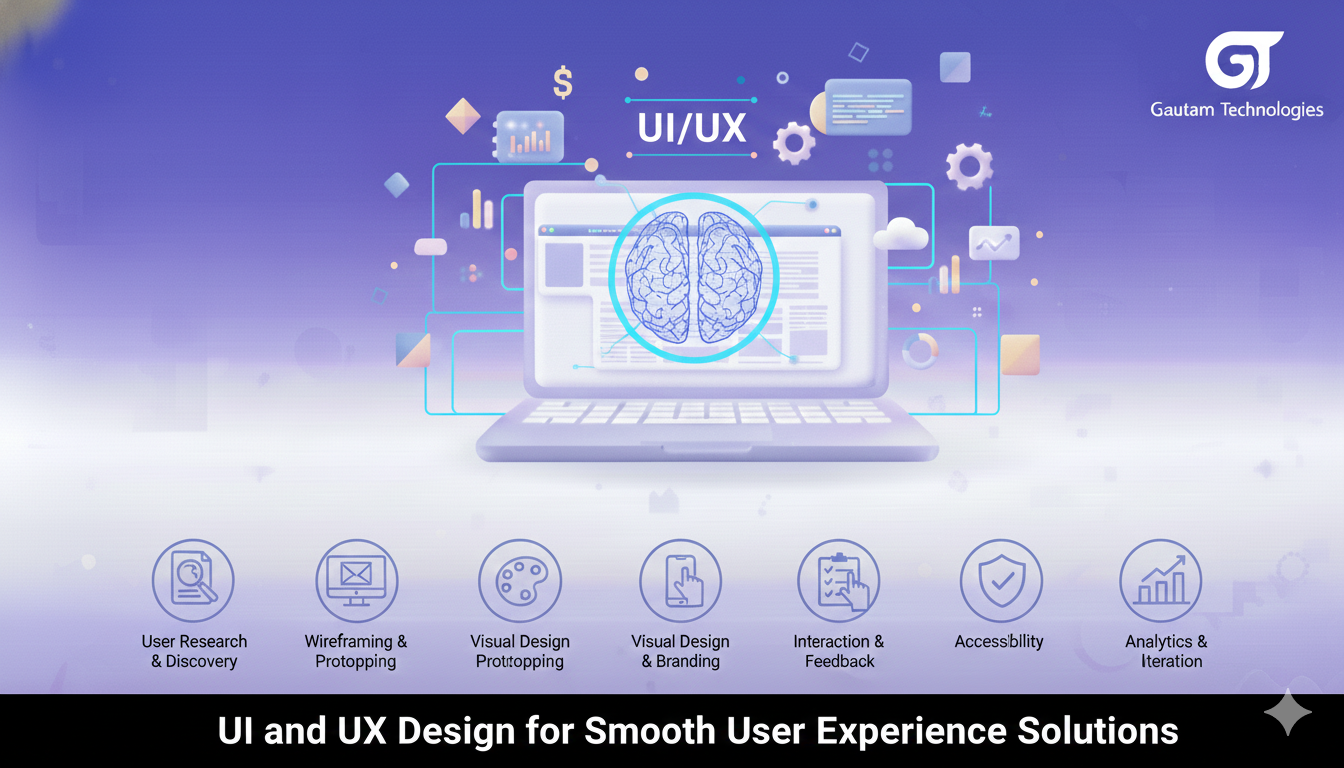
Steps to Build Seamless UI and UX Design
- Research user needs
- Create user journeys
- Design wireframes and prototypes
- Apply visual UI elements
- Test usability
- Optimize based on feedback
Real-Life Example
A business website had good traffic but low conversions.
After improving UI UX design:
- Navigation became simpler
- Buttons were more visible
- Page load felt smoother
Result: Increased engagement and higher conversions.
Why Professional UI UX Design Services Matter
Professional designers understand:
- User psychology
- Design trends
- Business goals
They combine creative UI design with strategic UX planning to deliver real results.
FAQs: UI and UX Design
It is where visual design meets user behavior to create smooth digital experiences.
They improve usability, user satisfaction, and conversions.
UX defines structure and flow, while UI enhances clarity and appeal.
UI focuses on appearance, UX focuses on experience and usability.
By reducing friction, improving navigation, and guiding users smoothly.
Final Thoughts
Creating smooth experiences is not about UI or UX alone. It is about how both connect. When UI supports UX, users feel comfortable, confident, and satisfied
Businesses that invest in professional UI and UX design build stronger relationships with users and achieve long-term growth.